Browser-based battle planning for Warhammer 40k
Plan the battle before the first model leaves the case.
Battlemaster is your war room in the browser: build the tournament table, load both armies, rehearse deployments, scout moves and sightlines, then send one link to the team. No spreadsheets, no photos of hand-drawn maps.
Battlemaster is in alpha - it's actively evolving and not every feature is finished yet. Every screenshot on this page is the live product - real boards, real armies, real data.
- Registered players
- 130
- Community assets
- 199
- Terrain layouts
- 57
- Catalog models
- 27,063
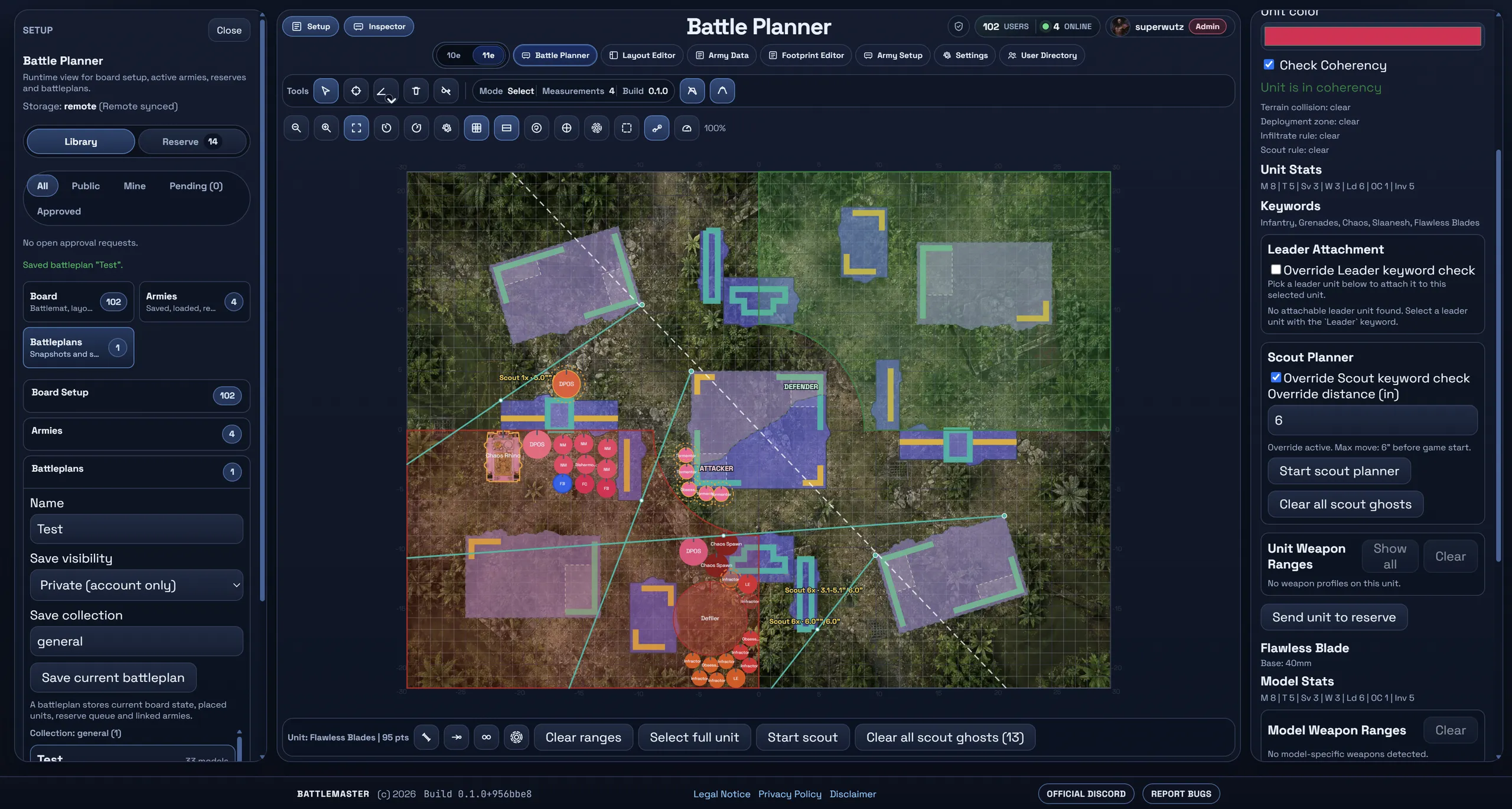
The Battle Planner
One loop from empty table to shared battleplan.
The planner is the centrepiece of Battlemaster - built around the boards, missions and pre-game decisions that decide tournament and league games.
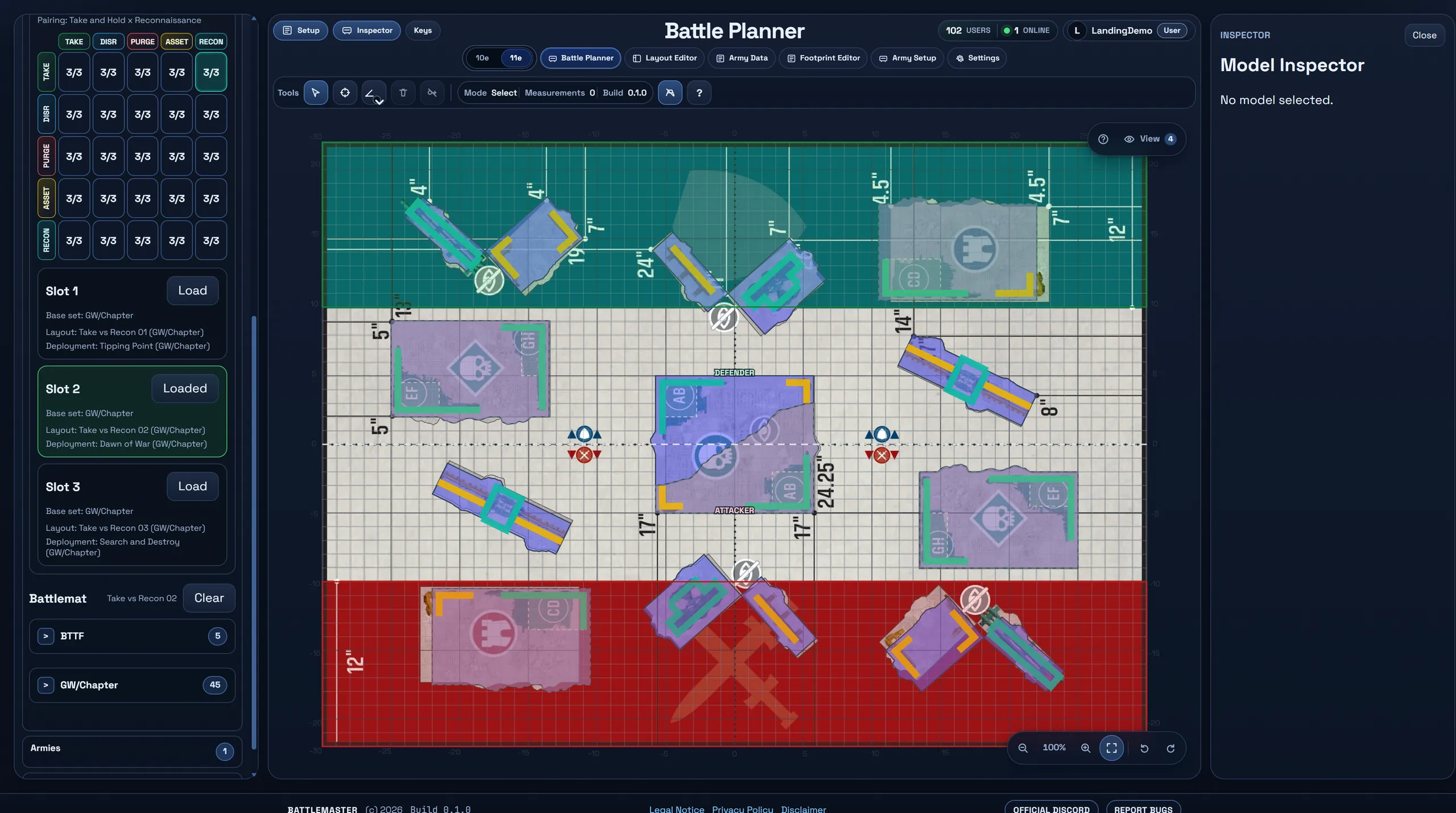
Chapter Approved boards
All 45 Chapter Approved layouts, three clicks away.
Pick your mission pairing in the 5x5 matrix and the planner offers the matching tournament layouts - terrain with inch-exact dimensions, the right deployment map and a fitting battlemat, exactly as the pack defines them.
- Mission pairing matrix: Take and Hold, Disrupt, Purge, Asset, Recon - three vetted layouts per matchup
- Every layout lands with measured terrain footprints, traits and the paired deployment
- Combat Patrol and fully manual board setup stay one tab away
Layout Editor
Or build the table your club actually plays on.
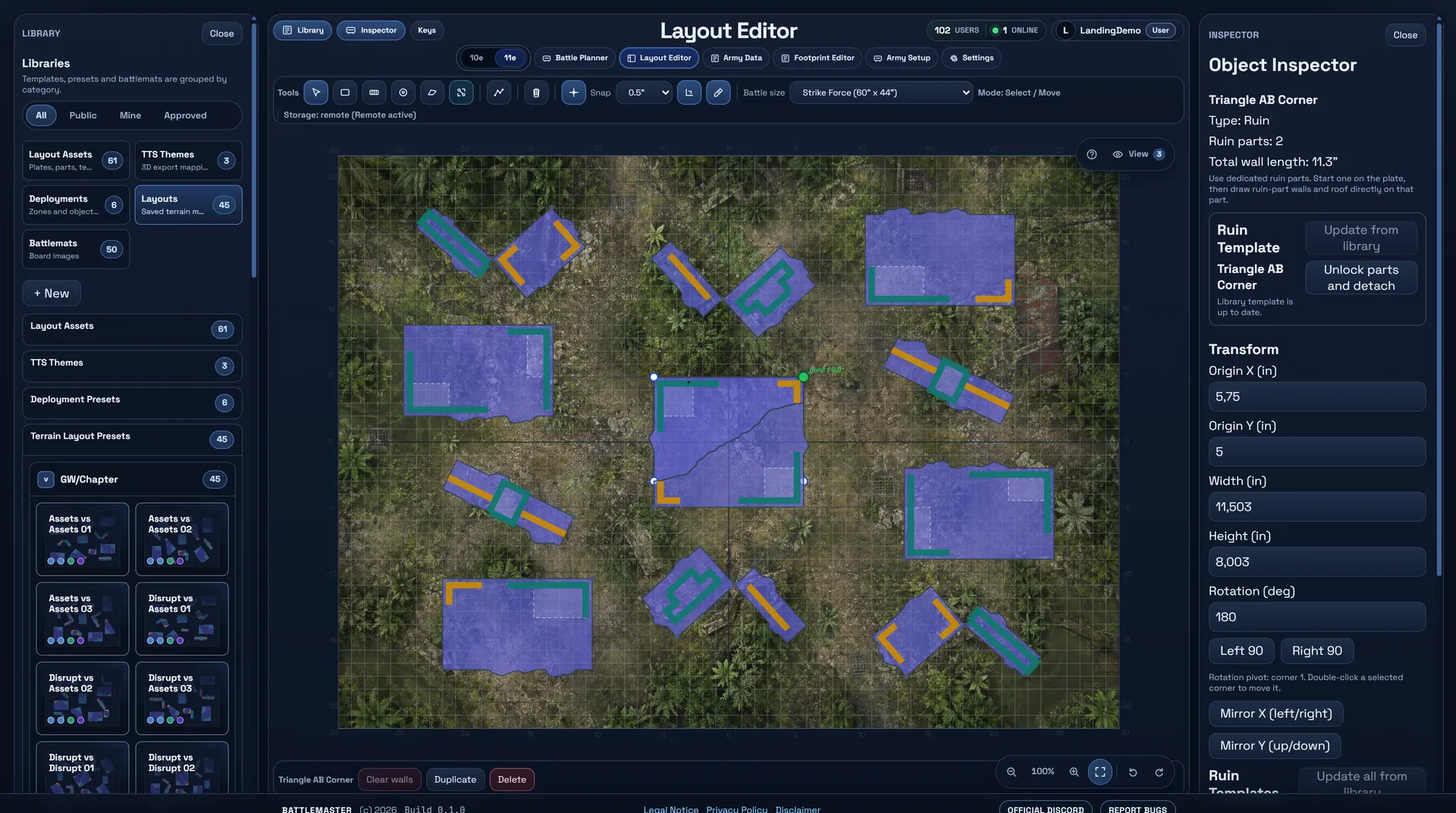
Tournament packs are the baseline, not the limit. The Layout Editor lets you draw ruins, containers, walls, objectives and deployment zones on a real battlemat - with snapping, footprints and wall geometry that the planner's line of sight respects.
- Start from the pack. Load any of the 45 Chapter Approved presets and rearrange it until it matches your terrain collection.
- Real geometry. Ruin footprints and wall polylines carry actual measurements, so sightlines and cover behave like on the table.
- Reusable presets. Save layouts, deployments and single terrain pieces to your library - or publish them for the community.
Footprint Editor
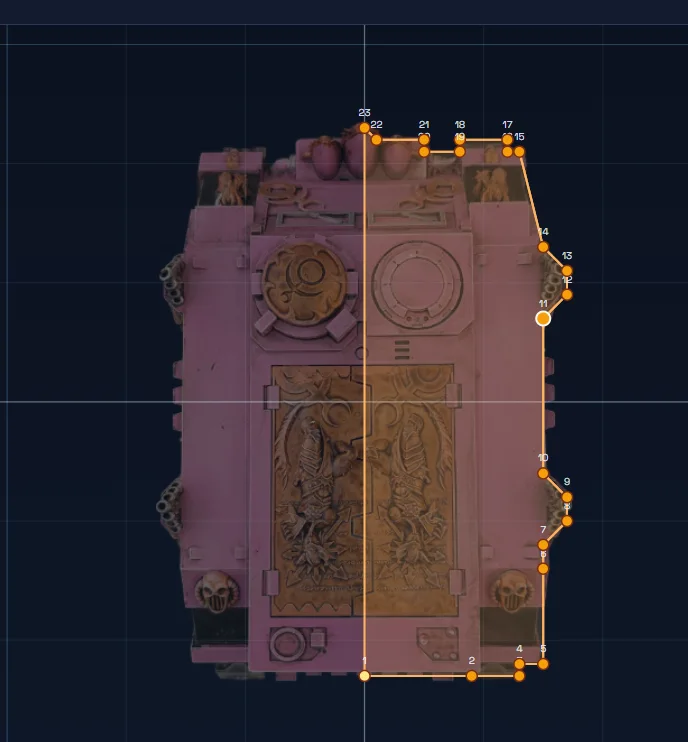
Your models, traced to the millimetre.
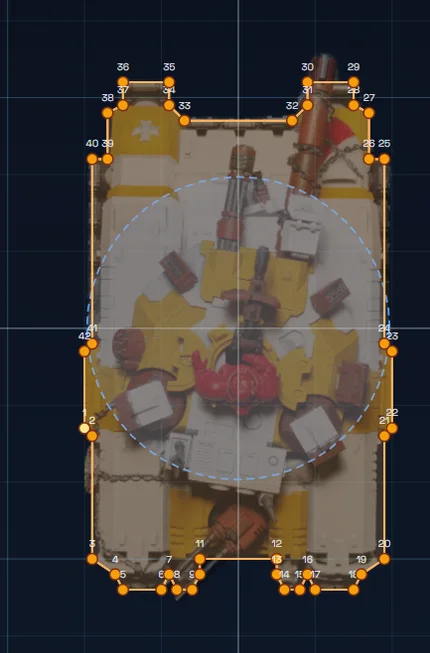
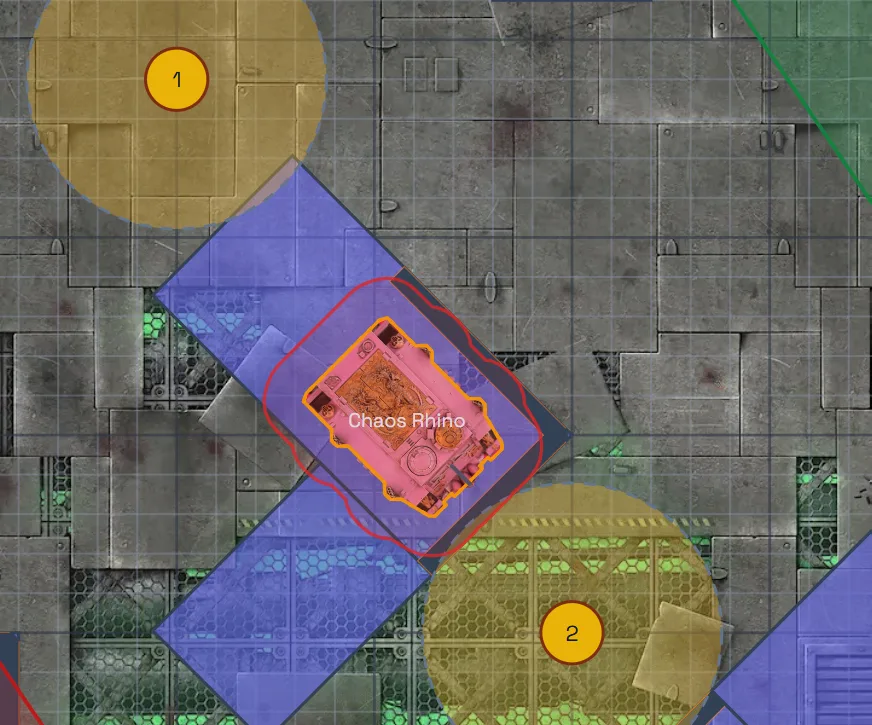
These are real community footprints: top-down photos of the actual models, bound to their catalog entries, with hull polygons traced point by point. When they stand on the planner board, every range and sightline uses that exact silhouette.
Built like a workspace, not a toy
The details your last game argued about.
Battlemaster treats rules geometry seriously: measurements use inches and true base edges, hull-measured vehicles carry explicit polygons, and sightlines are traced against real wall segments - not eyeballed pixels.
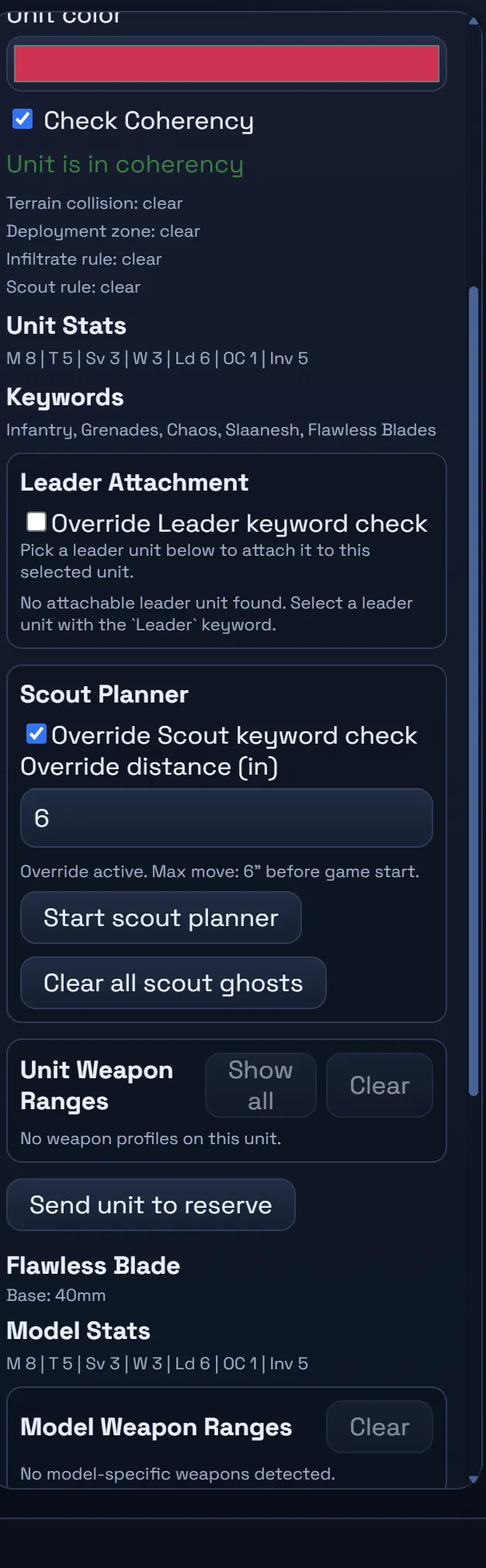
- Coherency and collisions. Selected units continuously report unit coherency, terrain collisions and deployment-zone legality.
- Leaders and scouts. Attach characters to squads with keyword checks and pre-plan scout moves before the first turn.
- Keyboard-first. Panning, zoom, measuring, LOS and placement all sit on hotkeys, with an in-app key reference on ?.
- Autosaved sessions. The planner state syncs to your account, and named battleplans capture snapshots you can always return to.
From the field
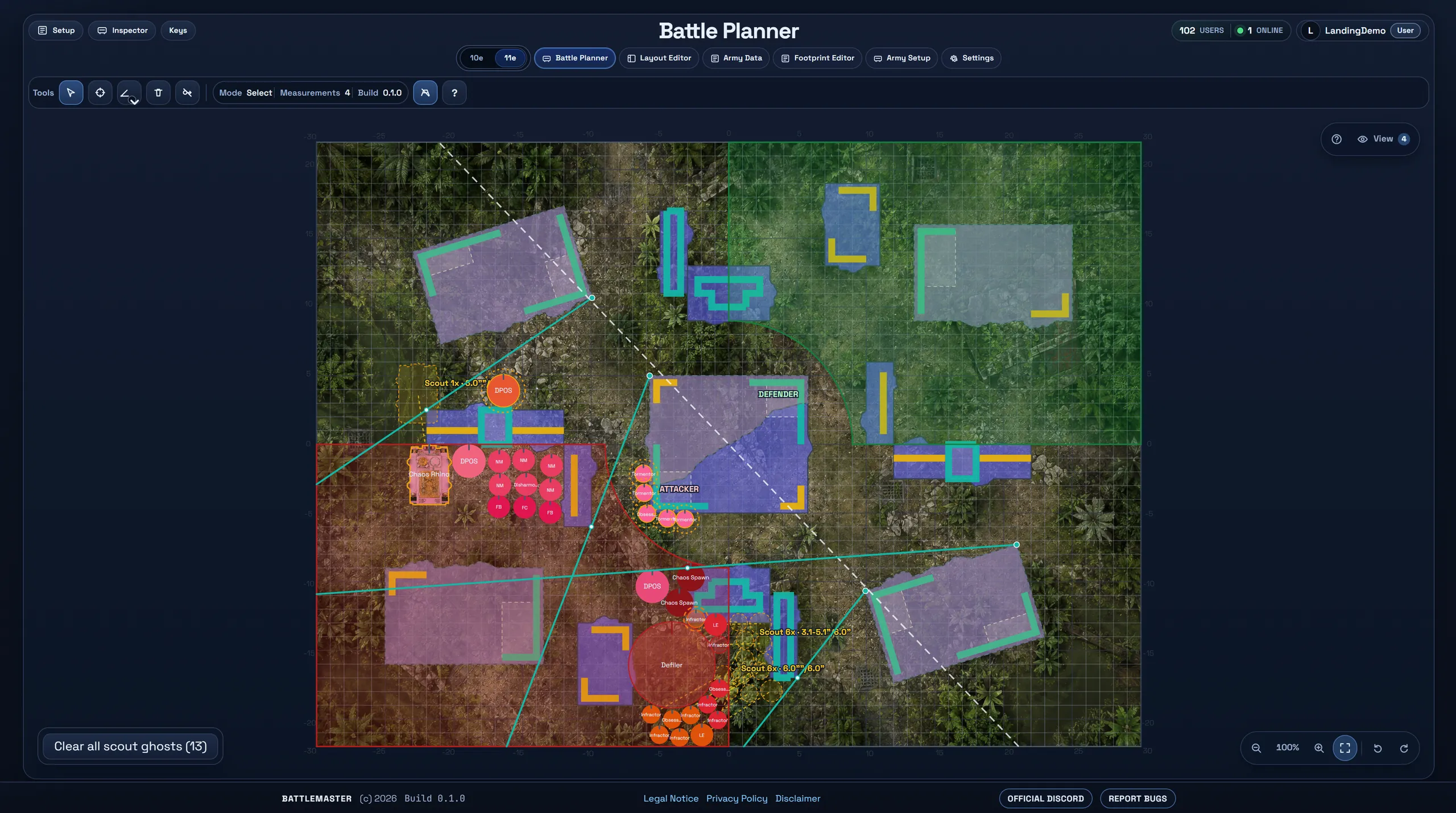
A real battleplan, straight from a real game.
Tabletop Simulator
The short way from plan to a rendered 3D table.
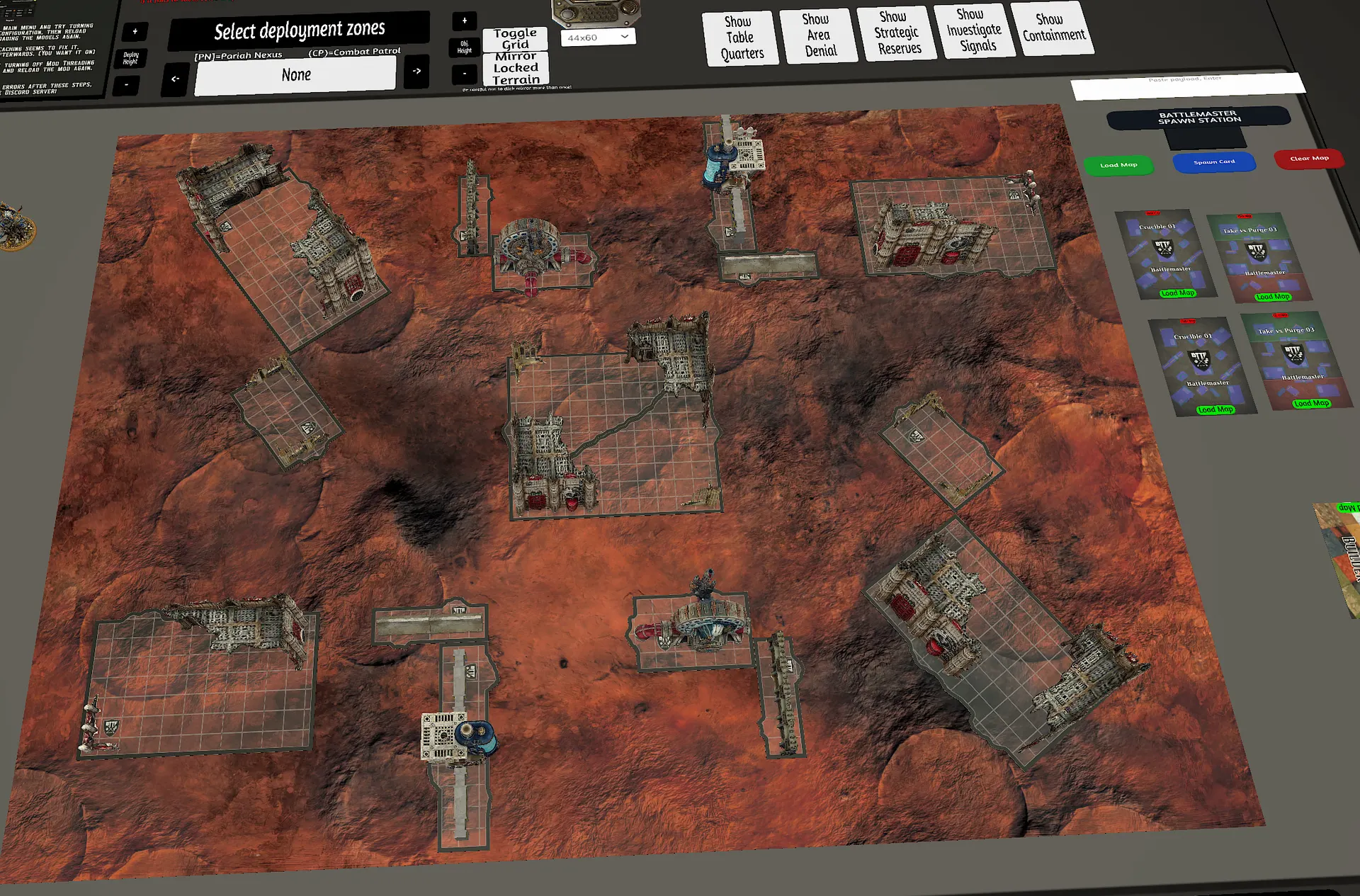
The Battlemaster Map Spawner brings your boards into Tabletop Simulator: pick a map card, hit Load Map, and the table builds itself - battlemat, terrain, objectives and tags included. No manual terrain placement, no fiddling.
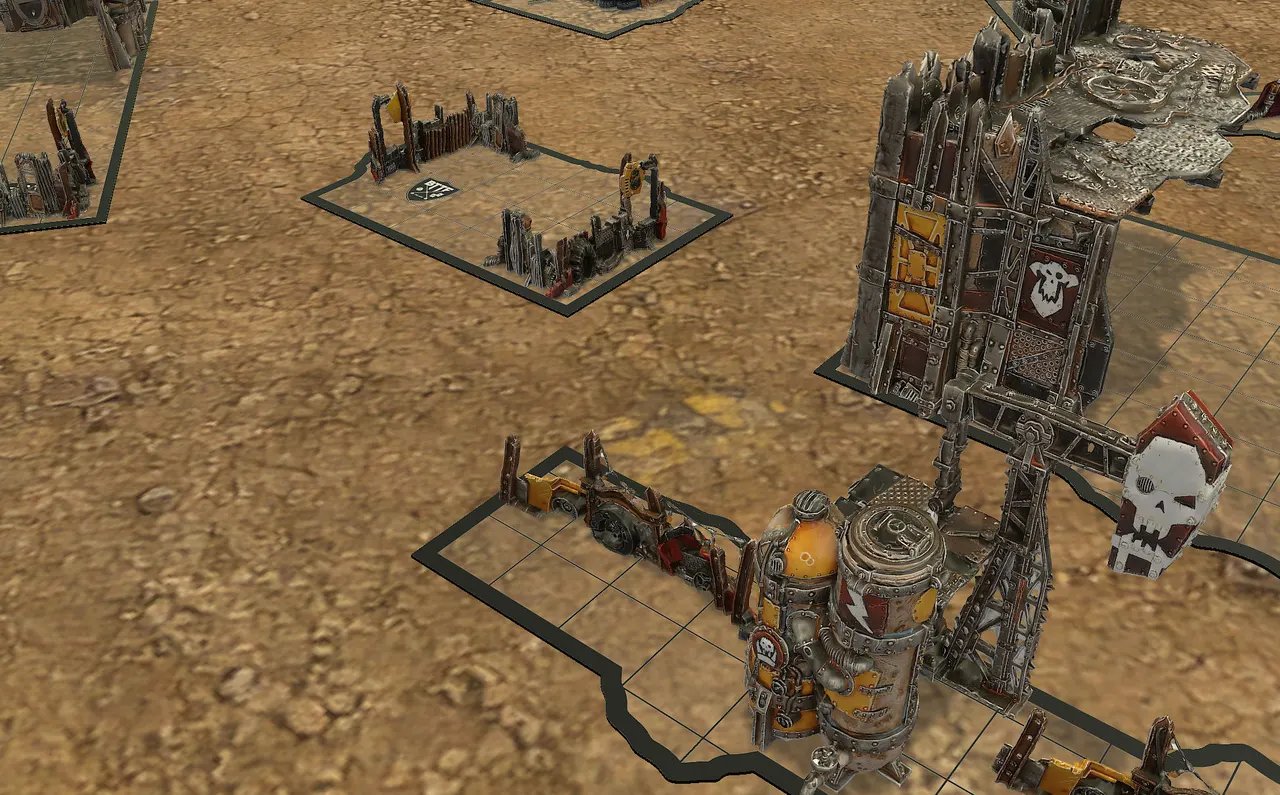
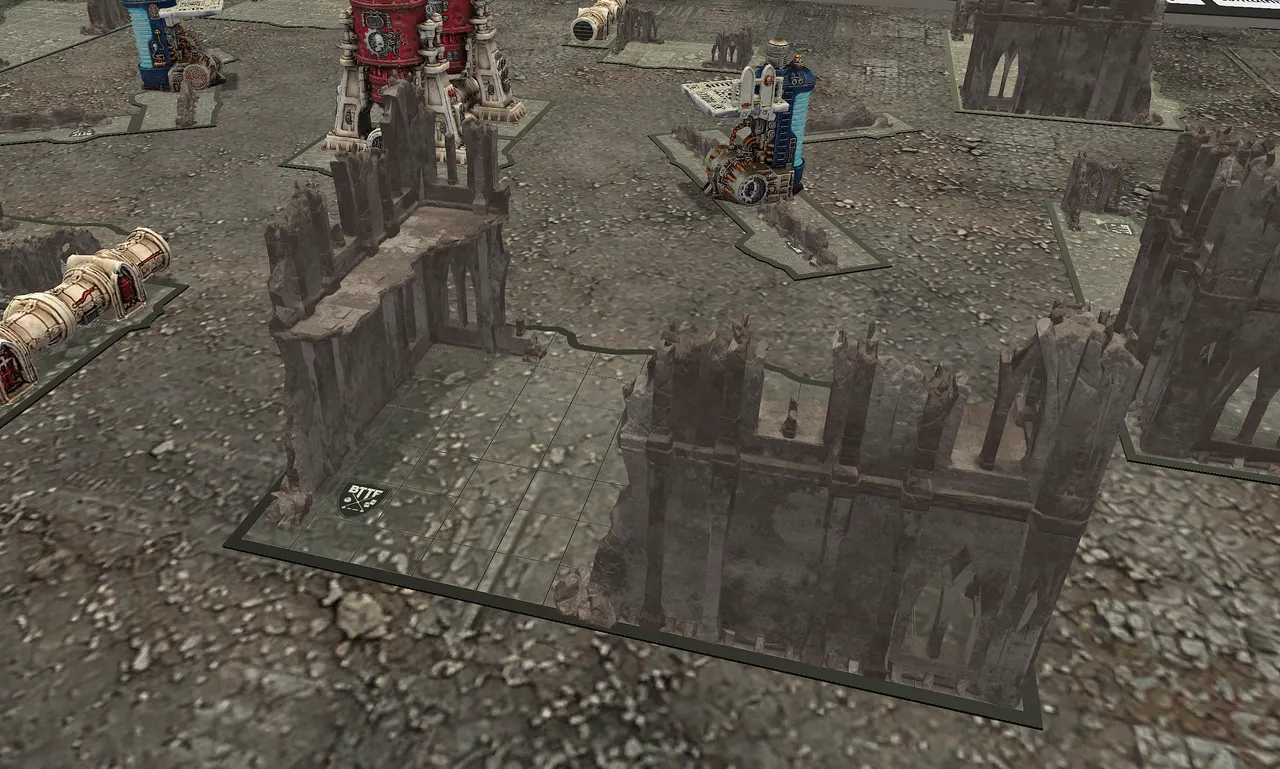
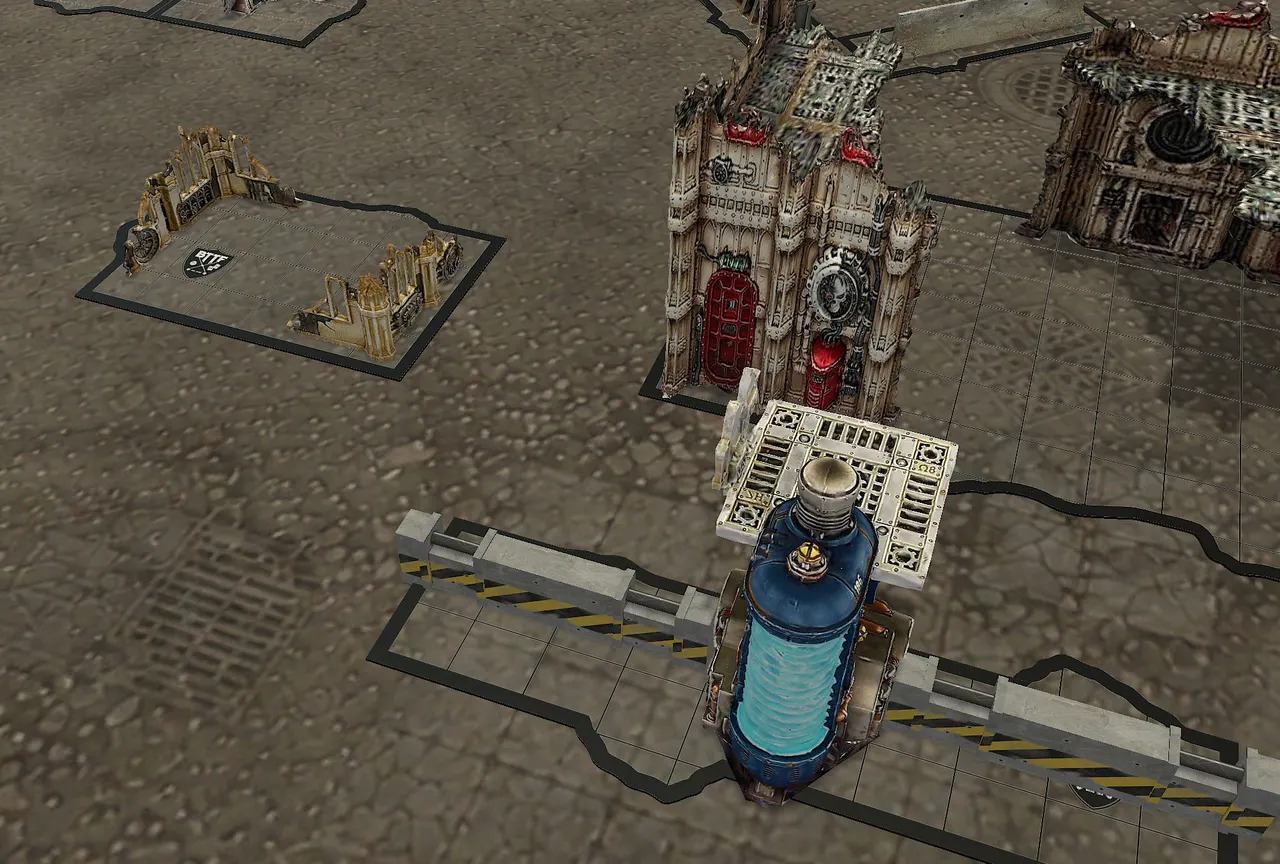
Themes map every terrain piece to full 3D scenery, so the same layout can look like a desert warzone or a ruined city - these are community themes rendered in TTS:
Beyond the board
A full toolkit feeds the planner.
Authoring tools and a moderated community library keep boards, terrain and model footprints accurate - and your work flows back out to the table.
Army Setup
Import rosters, review catalog matches and hand resolved armies to the planner.
Army Data
Browse the imported catalog: factions, units, model compositions, points and base mappings.
Community
Published battlemats, layouts, footprints and armies come from players - the community itself lives on the official Discord.
Join the alpha
Bring your team into the war room.
130 players are already preparing games on Battlemaster - from casual nights to tournament rehearsals. It's an alpha, so expect rough edges and missing pieces; the Discord is where access, updates and feedback happen, and where your battleplan links land anyway.